Turn any photo into anime, oil painting, or 3D art (free)
Upload one photo and get a completely new style back while keeping the same subject. Here is how AI photo effects work, which looks are available, and how to get the cleanest result.
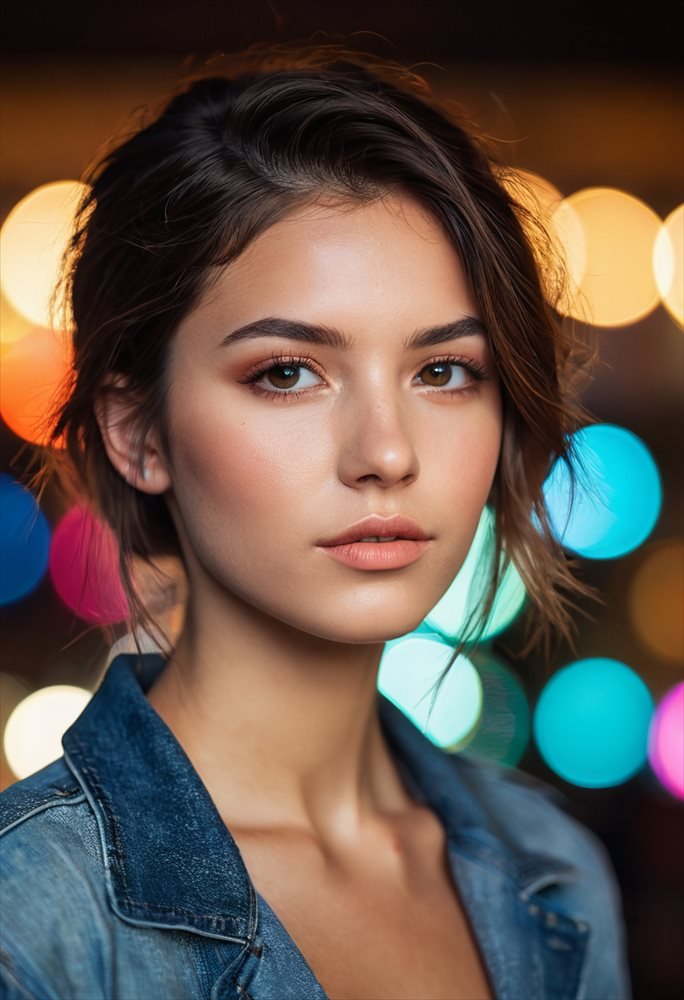
Text-to-image is great when you are starting from nothing. But often you already have the photo you want, you just want it in a different style, a selfie as an anime character, a headshot as a painting, a product shot reimagined in neon. That is exactly what Zappy Photo Effects does: it transforms your image rather than inventing a new one, so the person or object stays recognizable.
The styles you can apply
Each effect is one tap. Upload a photo, pick a look, and the cost is shown before you apply it:
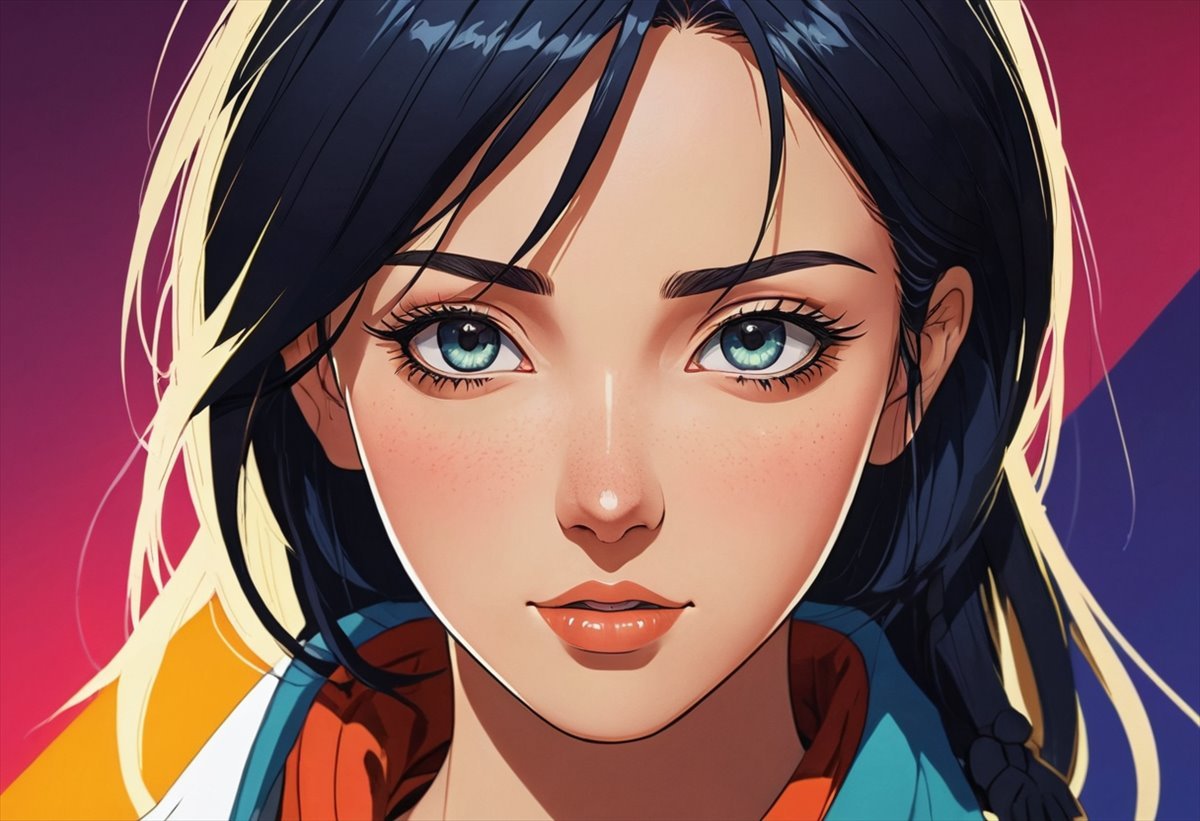
- Anime - a vibrant, cel-shaded illustration.
- Studio headshot - a clean, professional portrait.
- 3D character - a polished Pixar-style render.
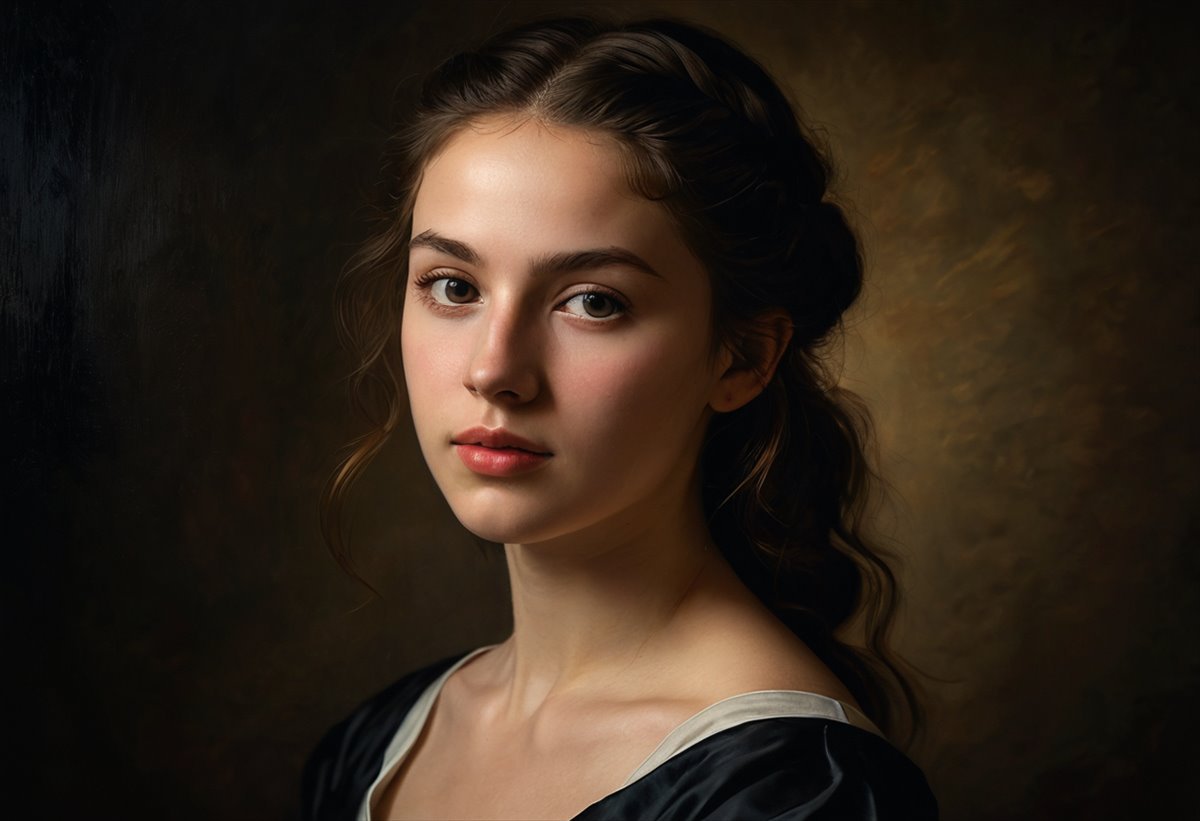
- Oil painting and watercolor - hand-painted looks.
- Cyberpunk, pencil sketch, and pop art.
How to get the best result
Start with a clear, well-lit photo where the subject is easy to see. Portraits with the face unobscured convert especially well into anime, headshot, and 3D styles. Higher-resolution inputs give the model more detail to work with. If a result is not quite right, try the same photo with a different effect, each style interprets the image differently.
From a still to a moving image
Want to go further? After restyling, you can animate a photo into a short video in the same studio, a subtle head turn, a camera push-in, or motion in the background.
Restyle your first photo free
Upload a photo, pick a look, and see the transformation.
Try Photo Effects