First Light After the Ice Storm
A lone lineworker climbs an ice-coated pole at dawn, and a snowbound village lights up again.
Made with Zappy
Images, video and drama series from one idea. Every piece below was made with Zappy.
A lone lineworker climbs an ice-coated pole at dawn, and a snowbound village lights up again.
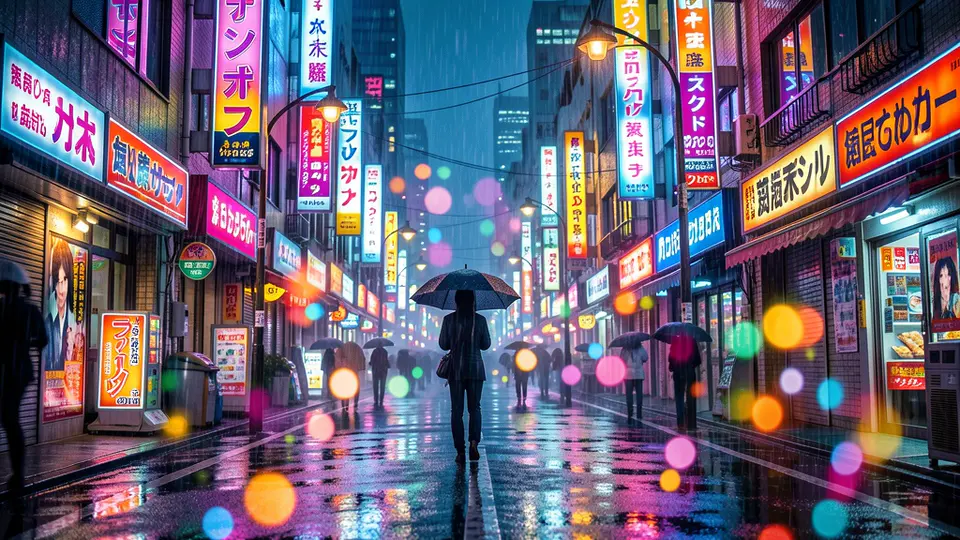
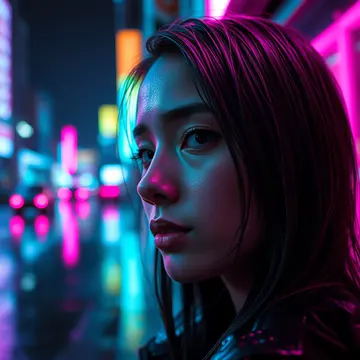
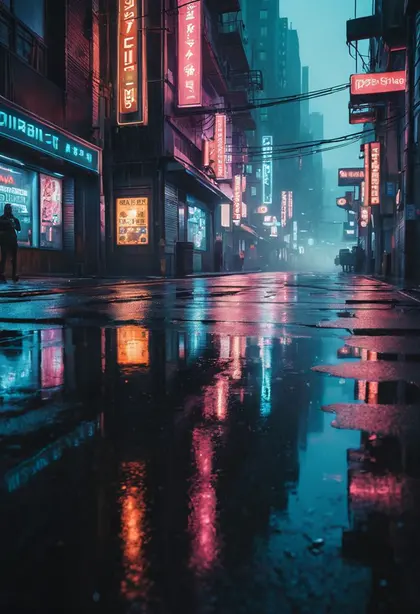
One unbroken 30-second take: a matte-black coupe through a rain-soaked neon city.
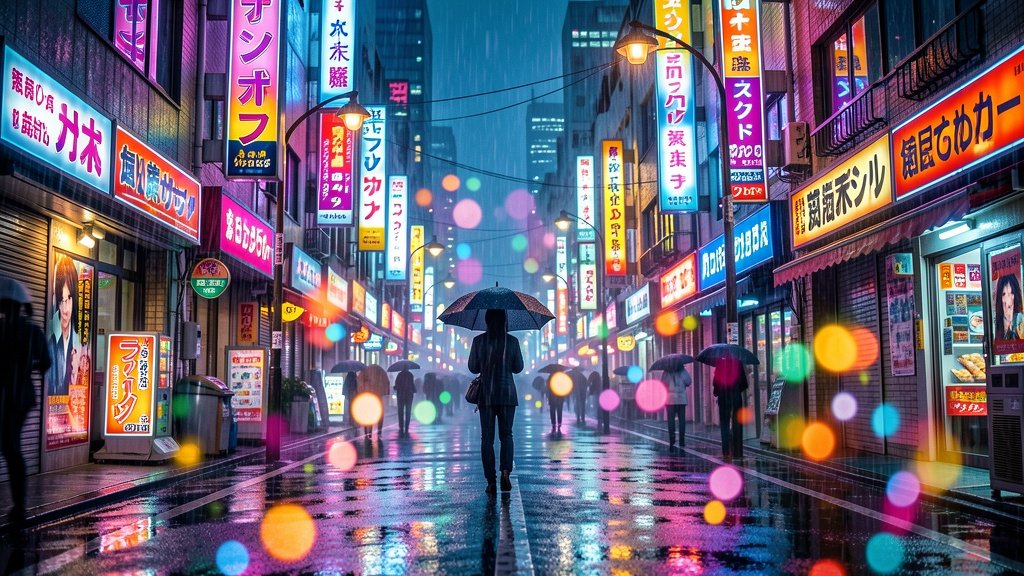
The same coupe, one continuous take, now flanked by camera drones under the city lights.
Floodwater, sirens and one engineer: a storm-night substation rescue that brings a city's lights back.
Your office. Somewhere else.
Pick what you want to end up with. Zappy opens the right workspace, keeps your characters and brand, and shows the price before anything runs.
A vertical drama series with your own cast: real scenes, spoken dialogue and a cliffhanger every episode.
Plan a series →A film-quality shot from one sentence, for an intro, hero or trailer.
Make a scene →Describe a moment or bring a photo to life as a short clip.
Open video →Turn an idea into a short illustrated or animated story, scene by scene.
Start a story →Paste a product link or photo and get a short ad, ready to post.
Open Ad Maker →Any picture from a sentence, in the style you choose.
Create an image →A clean, premium hero shot for a store, banner or listing.
Shoot a product →Restyle, relight or transform a photo you already have.
Edit a photo →Start from a proven layout or look and make it yours.
Browse templates →Save a character once and keep the same face and outfit in every scene.
Open my cast →Your colours, tone and facts, applied to everything you make.
Set up my brand →Everything you have made, organised by project and ready to remix.
Open my projects →Ask the assistant you already use. Zappy quotes first, makes it, and saves it to your account.
Connect Zappy →Build Zappy into your own app or workflow with an API key.
Read the docs →Real pieces made with Zappy. Open one as your own project.
See the showcase →Ready-made workflows for common results, priced up front.
Browse Recipes →Browse community creations for ideas and prompts.
Explore →Short lessons and guides to get great results fast.
Start learning →Every price is shown before you start. Failed generations return their credits. Your work stays private until you choose to share it.
A lone lineworker climbs an ice-coated pole at dawn, and a snowbound village lights up again.
One unbroken 30-second take: a matte-black coupe through a rain-soaked neon city.
The same coupe, one continuous take, now flanked by camera drones under the city lights.
Floodwater, sirens and one engineer: a storm-night substation rescue that brings a city's lights back.
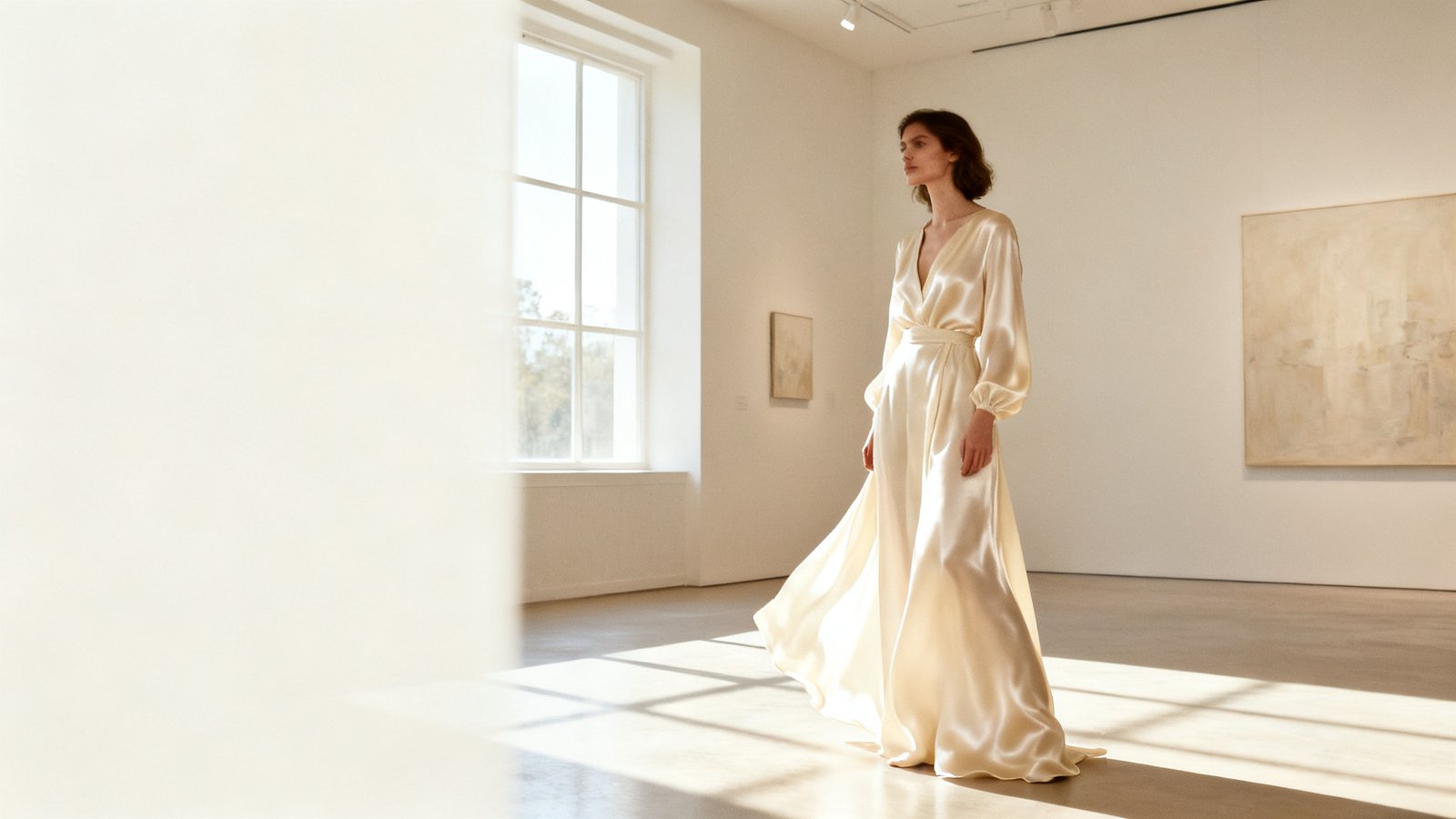
Your office. Somewhere else.
A sneaker breaks out of the billboard.
A desert. Then an ocean that was never there.
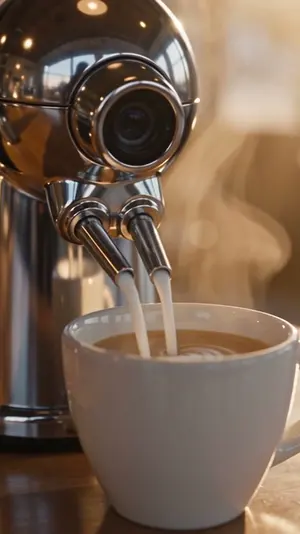
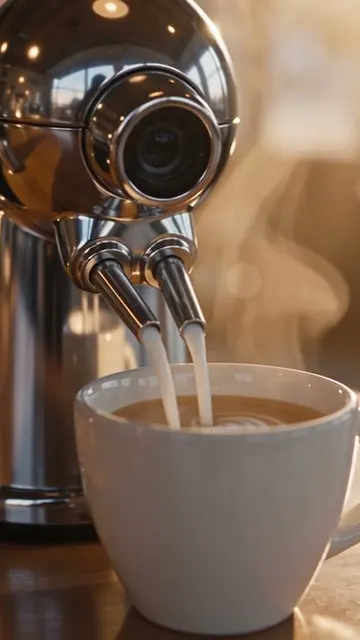
Who made your latte? (Halloween edition)
This house comes with a very friendly previous owner (pt. 2)
A storyboard frame brought to life: waves break against a lighthouse island at dusk.
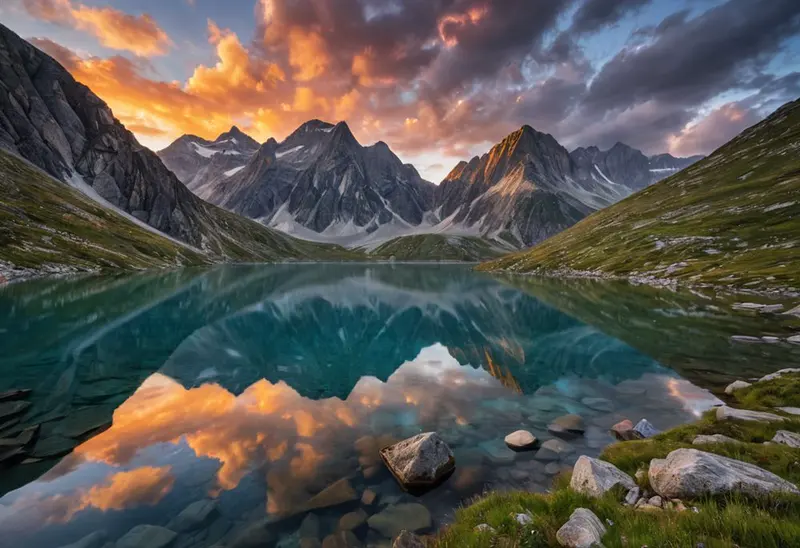
A wooden boat crosses a misty alpine lake at sunrise as a heron lifts off and a lakeside village wakes.
Use Zappy in the Studio, or connect it from Claude, Cursor, Codex, OpenClaw, n8n and other MCP-compatible clients. Create and edit images from your AI tools without rebuilding your workflow around a single provider; video, ads and remixes are made in the Studio.
MCP and API access is available to every verified Zappy account. Third-party names are used for compatibility identification only. Zappy is not affiliated with or endorsed by these providers unless explicitly stated.
You choose the outcome. Zappy handles the workflow.
Describe what you want in plain words. Zappy sets up the right tool and format.
Open the studio →RecipeSkip the blank canvas with a proven starting point for a specific result.
Explore Recipes →RemixReuse your own work or an approved Made with Zappy piece as your starting point.
See what you can remix →ProductPaste a product link or upload a photo and turn it into marketing creative.
Make a product ad →Zappy works with several AI engines behind the scenes. You pick the result you want; Zappy sets up an appropriate workflow for it. No model names to learn, no versions to track.
A product image, an ad, a cinematic scene — start from an idea, a Recipe, a Remix or a product link.
Zappy sets up the tool, format and direction, and shows the credit cost before anything runs. Everyday images in seconds, from 2 credits.
Edit, upscale, bring a still to life as video, or remix it again. Everything stays in your private library.
Two guided workflows for businesses — each step priced before you spend anything.
Paste a product link or upload a photo. Zappy prepares the creative and the script, then you generate a short vertical video ad for TikTok, Reels and Shorts.
Voiceover (temporarily unavailable) — your script is still written for you, and the ad renders with motion and music.
Tell Zappy what you sell and what you want to achieve. Zappy helps develop campaign directions, choose an angle, plan the creative and show the cost before generation.
Planning is free. Zappy makes the creative; it does not connect to your ad account or spend your ad budget.
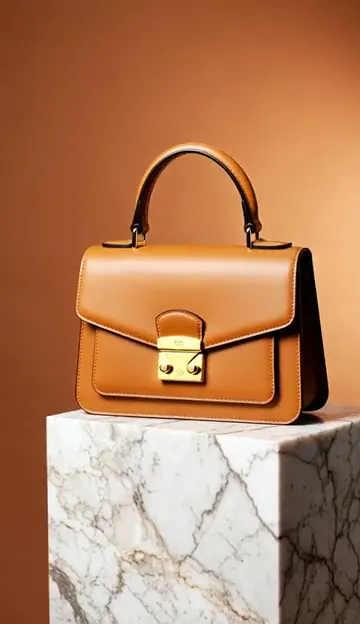
Product hero shots, lifestyle scenes, product ads and short product videos.
Explore e-commerce →RestaurantsAppetising dish shots, specials and short promo clips for social.
Explore restaurants →Real estateListing teasers from a property photo and social creative for new listings.
Explore real estate →Running a local business? See ad ideas for 42 trades →
For cinematic work, Zappy plans the look, the character and the shot before anything renders — so the result feels directed rather than random.

NIGHT RUN: ESCAPE — an in-house Zappy demo. No cameras, no crew.





Story Studio
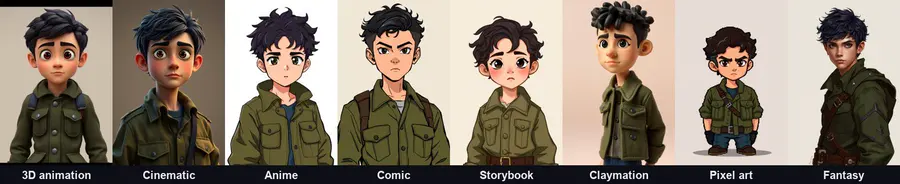
Describe who is in your film and Zappy creates a reusable character reference, then uses it across the shot list — designed to keep your character recognisable from shot to shot.
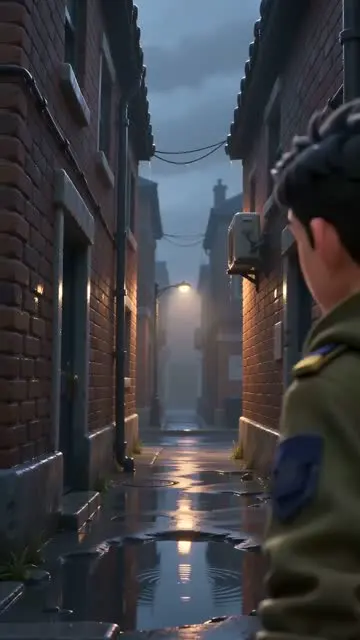
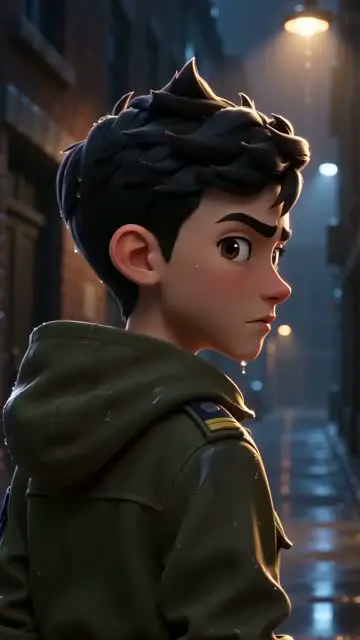
The three shots on the right come from one Story Studio scene — one character reference, three framings.
Make a storyBuild a character reference and a shot list, then render and join the shots in your browser.
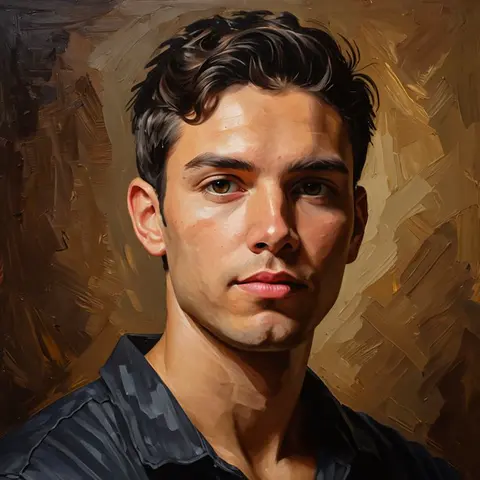
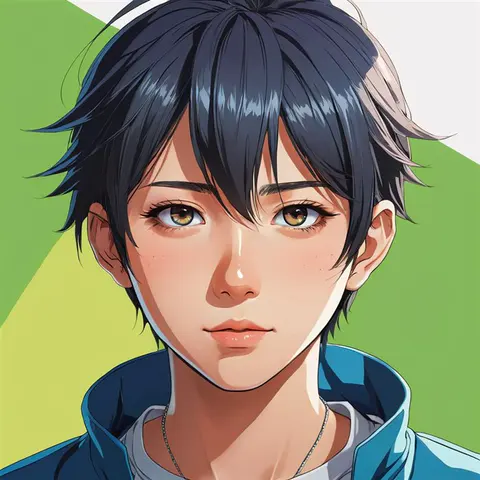
Make a story →Photo effectsTurn a photo into anime, oil painting, 3D and more — or a studio-style headshot.
Try photo effects →ReshootUpload your own photo and reshoot it in a different setting, or turn it into a short scene video.
Try Reshoot →AudioGenerate AI voiceovers, background music and songs to use in your videos.
Open audio →Trim, compress, caption and combine video without credits or an account. Runs locally in your browser. Your file stays on your device.
See product-ad builds, creative workflows, AI video tutorials, Shorts and practical examples from the Zappy team. Learn the workflow, then open the Recipe and make your own.
Images, video, ads, Recipes and Remix in one studio — without learning a different tool for every job.
Every creation shows its credit cost before generation begins.
You are only charged for output that exists. Credits held for a creation are returned automatically if it fails or produces nothing.
Your creations stay private in your account unless you choose to submit them to Made with Zappy.
Paid plans include a commercial-use licence, subject to our Terms. The free plan is for personal use.
Cancel anytime from your account; your plan stays active until the end of the billing period.
Free credits every day, no card. Paid plans add monthly credits, premium quality, no watermark and a commercial-use licence. See full pricing & how credits work →
At today’s prices, the free daily credits cover about 5 fast images; Starter’s 1,000 monthly credits cover about 500 fast images or 16 fast video clips. Every creation shows its exact cost before you click.
Run out mid-month? Top up 1,000 credits for $10 — one-off, never expires, no plan change.
Credits return automatically if a generation fails · Top-up credits never expire · Cancel anytime from your account
Free to start — daily credits, no credit card, and the cost shown before you create.
Generate images and video, build product ads, start from Recipes, remix work you love and keep everything organised in one place. Zappy handles the AI underneath so you can focus on what you’re making.
Create product shots, social images, illustrations and posters from a short description, or start from a Recipe. Zappy sets up an appropriate engine for the look you want.
Turn a description or a single photo into a short video — product clips, cinematic scenes and social reels — with the cost shown before you create.
Paste a product link or upload a photo and make a short vertical video ad with a written script and background music.
Start from a Recipe built for a specific result, remix approved Made with Zappy work, edit and upscale images, and add voiceovers and music.