AI Thumbnail Maker
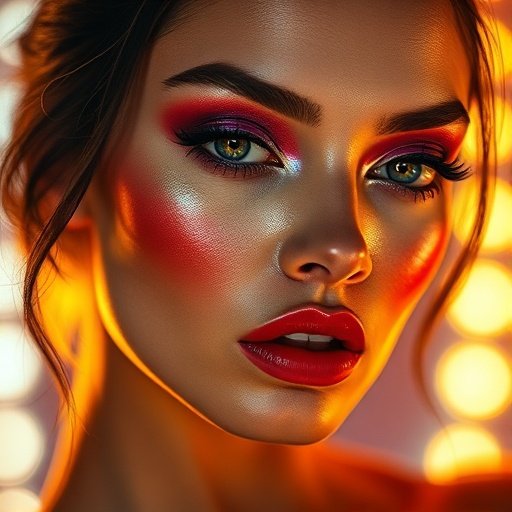
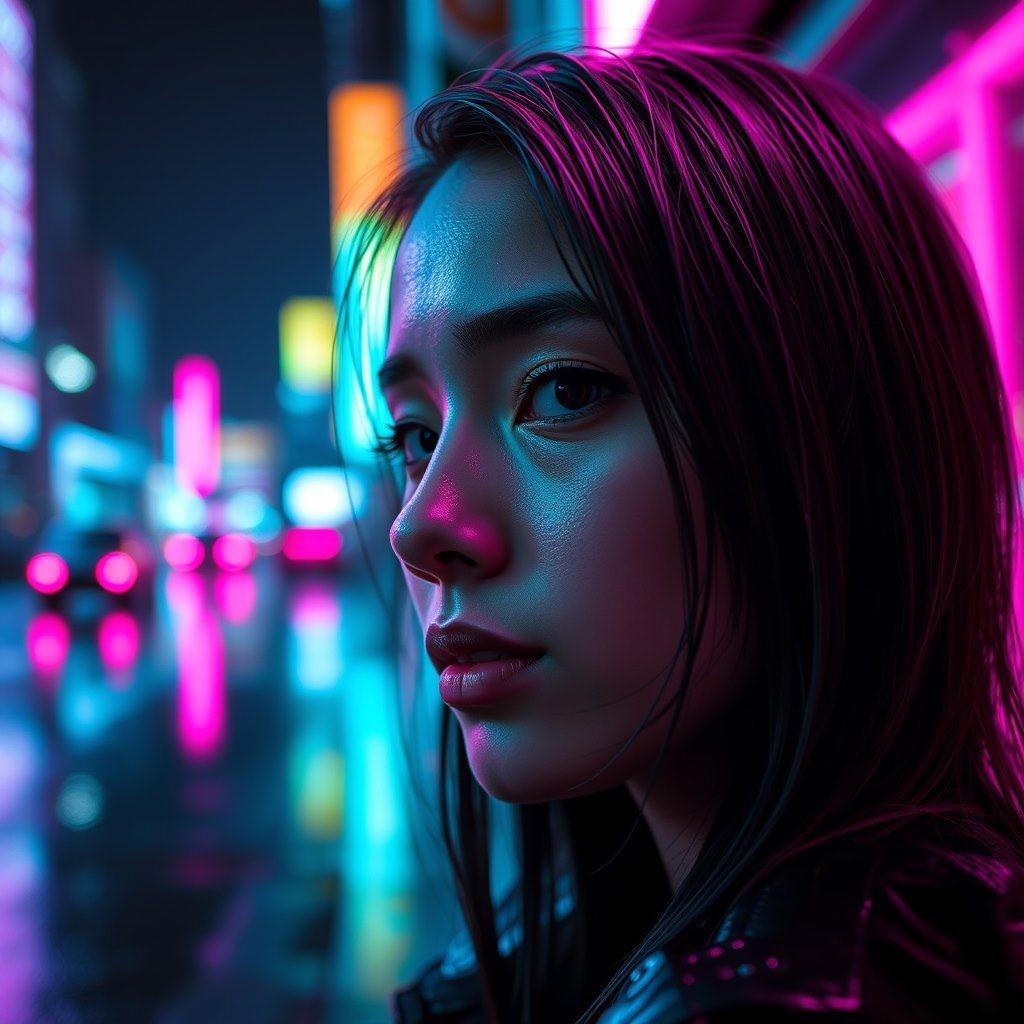
Describe the thumbnail - the expression, the object in frame, the background, the colour that should dominate - and Zappy renders it. Generate a batch, then pick the one that stops the scroll.
Choose the wide 16:9 shape so the image is already the right proportion for YouTube, and use the Premium · logos & typography option when the thumbnail needs readable words inside the picture.
How it works
Describe the shot
Say what is in frame and what the mood is. Bold, simple and high contrast beats detailed.
Set it to wide 16:9
Pick the wide aspect so the thumbnail is not cropped awkwardly when YouTube scales it.
Generate a few and choose
At 2 credits on the fast models you can make a dozen options and only keep the best one.
More video makers


FAQ
Can it put text on the thumbnail?
Yes - choose the Premium - logos & typography option, the one in the studio built for rendering legible text inside an image. It costs 20 credits. You can also add a title afterwards in any editor.
What size are the thumbnails?
Pick the wide 16:9 shape and the output already matches what YouTube expects. Keep faces and text away from the very edges, since small players crop tightly.
Is it free?
The fast option costs 2 credits and you get free credits every day. The typography option, the one worth using when you need text, costs 20 credits per image.
Start creating free
free credits every day. Video, images, effects, audio and pro tools - all in one studio, no software to install.
Make a thumbnail