Text-to-video vs image-to-video: which one should you use?
AI video comes in two flavours. One builds a clip from a written prompt; the other brings a still photo to life. They are good at different things, and picking the right one is the difference between a clip that works and one that fights you.
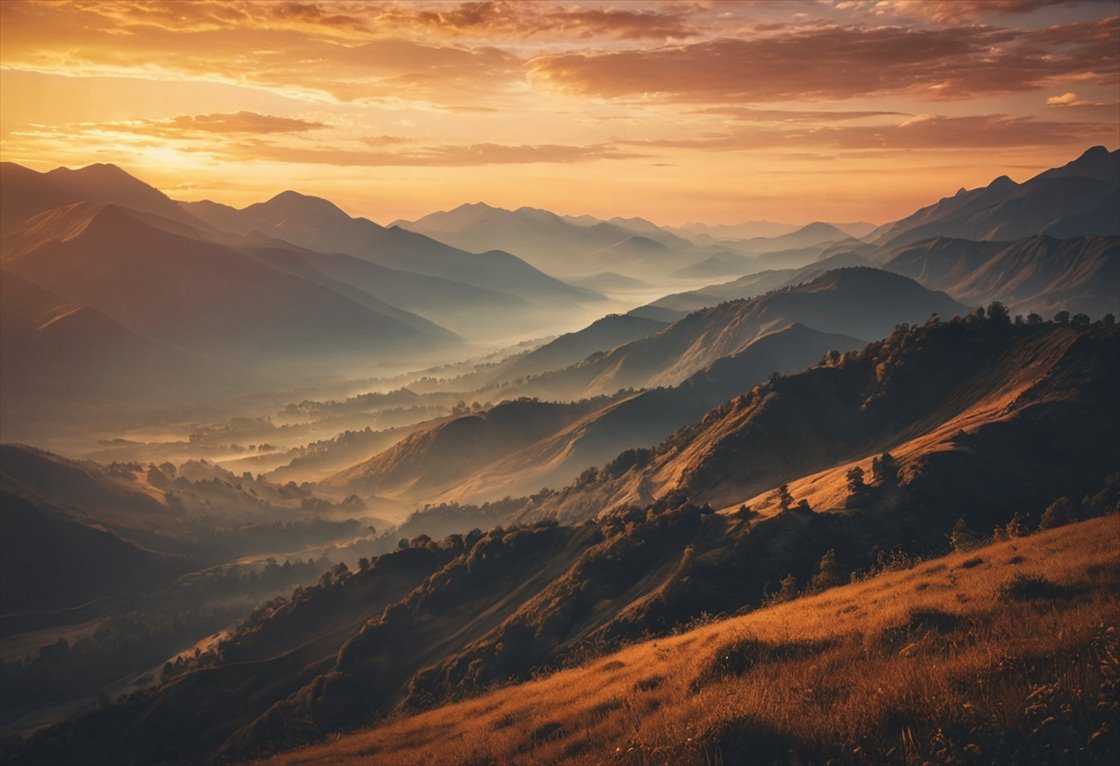
Both live in the same Zappy video studio, and both cost credits you can see up front. The question is simply which starting point matches what you already have and what you are trying to make.
Text-to-video: start from an idea
With text-to-video you describe a scene and the model invents everything, subject, setting, motion, and camera. It is the right choice when you have no footage and want a look that would be hard or expensive to film: an abstract mood, a fantastical place, a stylised product moment. You trade precise control for creative range.
Use it for: B-roll and mood shots, concept visuals, social clips, anything where the idea matters more than an exact likeness.
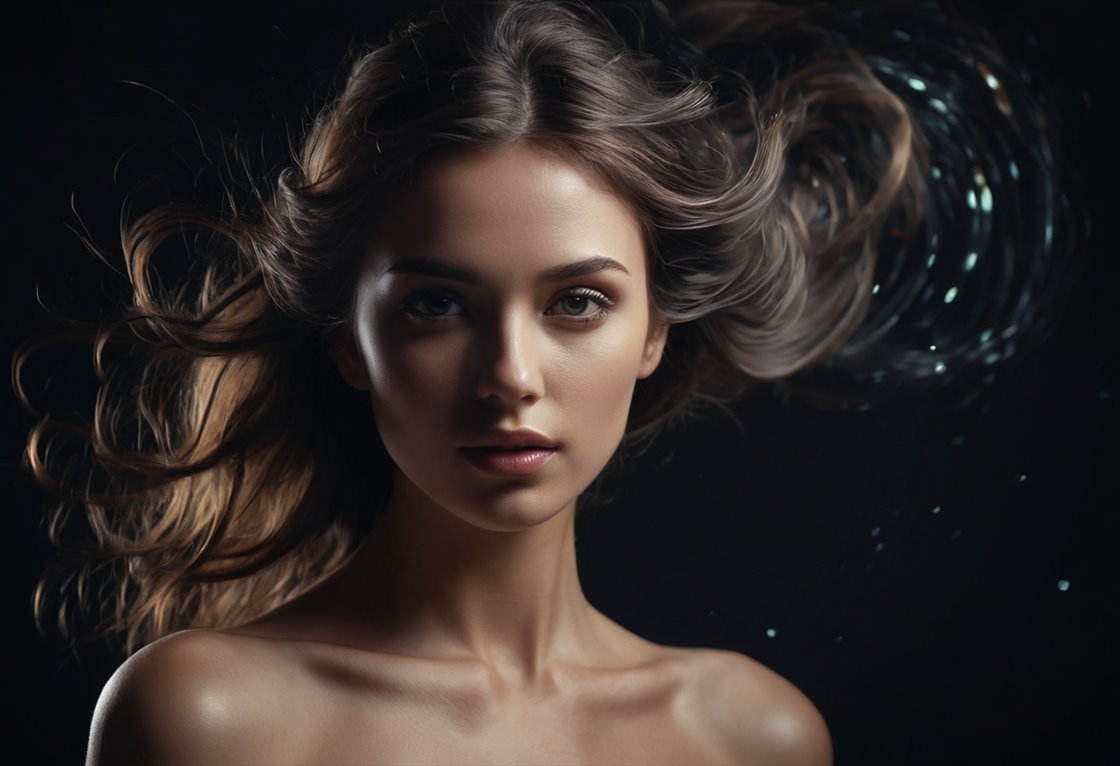
Image-to-video: start from a photo
Image-to-video takes a picture you already have and adds motion to it, a slow zoom, a gentle head turn, drifting clouds behind a subject. Because it starts from your image, the result keeps your exact composition and likeness. It is the right choice when the who or what has to stay faithful: a real product, a specific person, a photo you love.
Use it for: animating portraits and product shots, adding life to a photo, keeping a subject consistent across a clip.
A simple way to choose
- No footage, want a specific look? Text-to-video.
- Have the exact image already? Image-to-video.
- Need a recognisable person or product? Image-to-video, every time.
Whichever you pick, describe the motion, not just the subject, and keep it simple. Continuous movement like a slow push-in or drifting water reads as far more convincing than complex action, and a clean, sharp starting image always animates better.
More on this: a reference-first workflow for character consistency.
Make your first AI video free
Type a prompt or animate a photo, in the same studio. Cost shown before you start.
Open the video studio