AI micro drama: vertical 9:16 or widescreen 16:9?
A micro drama is a short series told in quick scenes: the same characters, spoken lines and a cliffhanger that makes people watch the next one. With Zappy Micro Drama you can now make every scene either vertical for phones or widescreen for YouTube and websites. Here is how to choose, with real examples.
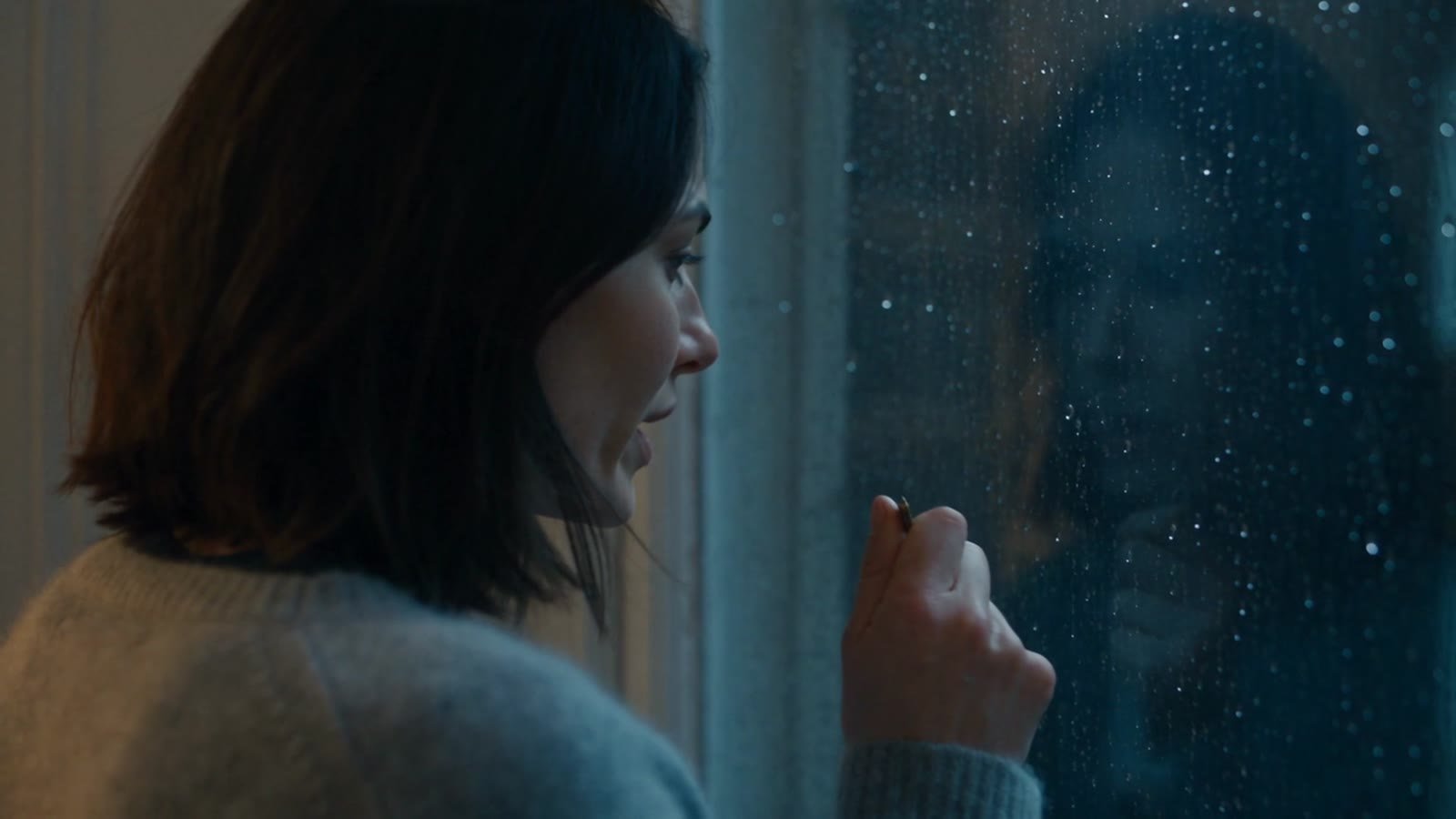
Short drama series are one of the fastest-growing kinds of video. What makes them hard to produce with AI is not a single good shot, it is keeping the same people, the same room and the same story beat after beat. Micro Drama plans the series with you, keeps your cast consistent across scenes, generates each 30-second scene with native sound and dialogue, and can start a scene from the last frame of the one before it.
The same story in two formats
These examples were made by the Zappy team with Micro Drama. All of them are AI-generated.
When to choose vertical 9:16
- YouTube Shorts, TikTok and Reels. Vertical fills the phone screen, which is where most short drama is watched.
- Close, emotional moments. Faces and reactions read well in a tall frame.
- Episodic series. One-minute episodes with a cliffhanger suit the swipe-to-next habit of short-video feeds.
When to choose widescreen 16:9
- YouTube videos, websites and presentations. Widescreen fits desktop players, embeds and TVs.
- Two people in one shot. A wide frame keeps both characters and the room around them visible, so blocking and setting tell more of the story.
- A more cinematic feel. Wide establishing shots and slow camera moves have room to breathe.
Tips for a strong micro drama
- Start on the hook. Open each scene on the most intriguing moment: a strange detail, a line of dialogue, a reveal.
- Keep lines short. Two or three spoken lines per 30-second scene sound natural and leave space for reactions.
- Plan continuity. Decide what the last frame of each scene shows, so the next one can pick up exactly there.
- End on a question. A cliffhanger is what turns one scene into a series.
Want consistent characters in still images too? Read the character consistency guide, or compare text-to-video and image-to-video.
What it costs
Planning your series, characters and scenes is free. Generating a 30-second scene uses credits, and every scene is quoted before you start, so nothing is charged while you plan. See pricing for credit packs and plans.
FAQ
Which formats can I make?
Micro Drama scenes can be made in vertical 9:16 or widescreen 16:9. You choose the format when you create a project, and every scene in that project uses it, so an episode never mixes shapes.
Do the characters stay the same between scenes?
Yes. You set up your cast once and every scene uses the same characters, wardrobe and setting. A new scene can also start from the last frame of the previous one, so the episode feels continuous.
Is there spoken dialogue?
Yes. Scenes are generated with native sound, including the lines you write for your characters.
How much does a scene cost?
Planning your series, characters and scenes is free. Generating a 30-second scene uses credits, and every scene is quoted before you start; nothing is charged while you plan.