Free AI image generator: how to get great results on the first try
A good free AI image generator should not need a powerful computer, a subscription or an afternoon of prompt-tweaking. This guide shows the prompt structure that consistently works, with real example images and the exact prompts that produced them.
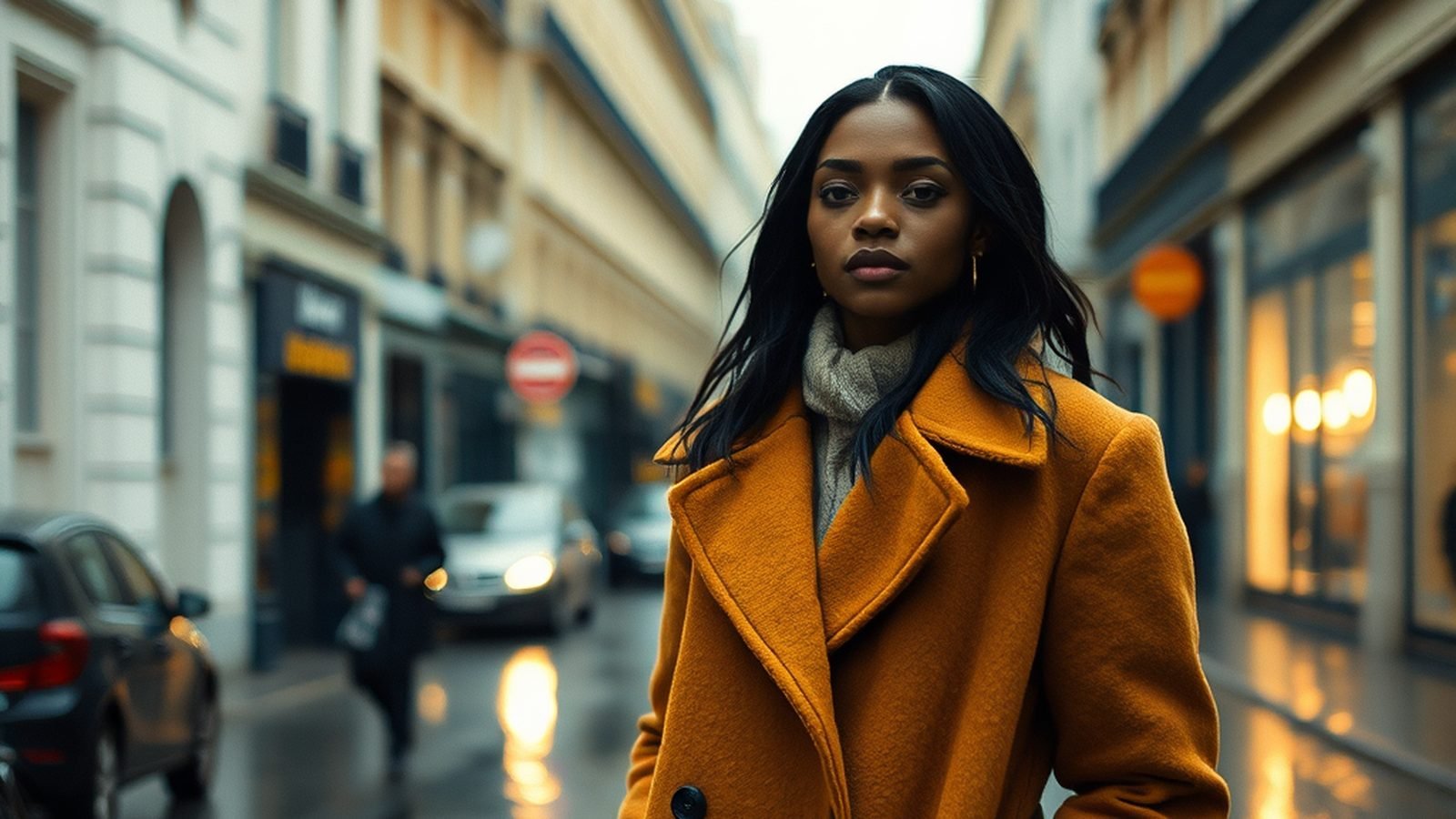
AI image generators have become an everyday creative tool, but results still vary wildly between people using the same model. The difference is rarely the model. It is almost always the prompt. Below you will find what to look for in a free generator, a five-part prompt recipe you can reuse, worked examples across very different subjects, and the mistakes that most often ruin an otherwise good image.
What makes a free AI image generator worth using
Three things matter more than any feature list. First, the quality of the underlying models: a generator is only as good as the models behind it. Second, how quickly you get a usable result, because every retry costs time and credits. Third, honesty about cost: you should see what an image costs before you click, not after.
- Several models in one place: a fast model for drafts and a sharper one when the result matters. In the Zappy studio you switch between them without installing anything.
- Cost shown before every generation: Zappy shows the credit cost up front, and free credits refresh every day.
- A head start: begin from a ready-made style or a template and change only the words that matter to you.
The five-part prompt recipe
The single biggest upgrade is to describe the photograph, not just the subject. A model has no idea whether "a dog" should be a phone snapshot or a magazine cover. Give it the information a photographer or illustrator would need:
- Subject — who or what, with one or two concrete details (age, material, expression).
- Setting — where it is and what surrounds it.
- Lighting — golden hour, overcast, a single beam of warm light, neon at night.
- Camera or medium — 85mm portrait lens, overhead shot, telephoto, wide cinematic shot, or "flat vector illustration".
- Finish — film grain, natural skin texture, highly detailed, pastel palette.
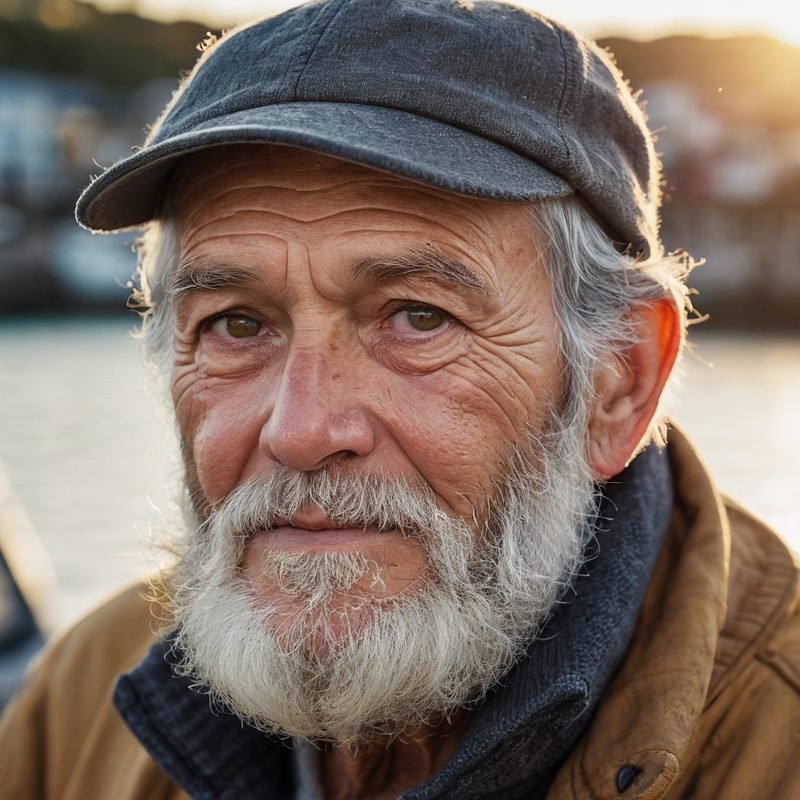
Compare "an old fisherman" with the prompt behind the first example below. The second version gives the model a light source, a lens, a depth of field and a texture to render, so it has far less to guess.
Not sure where to start? Type a short idea and tap Enhance in the studio: Zappy expands it into a full, structured prompt that you can then edit.
Worked examples, with the exact prompts
Each image below was generated for this guide from the prompt shown underneath it, with no retouching (only resized for the web). Use the prompts as templates: keep the structure and swap the subject.
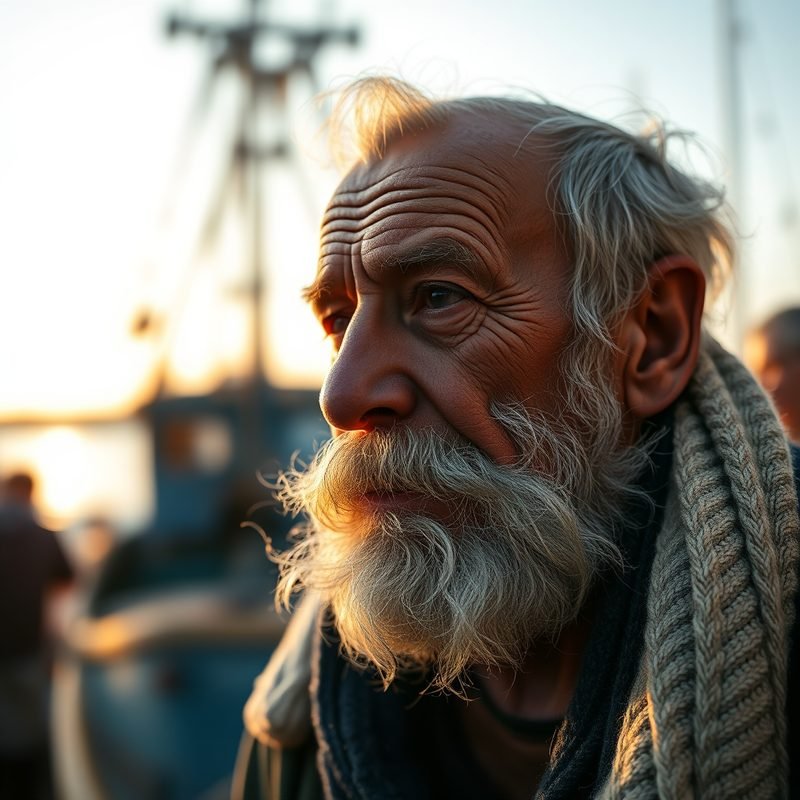
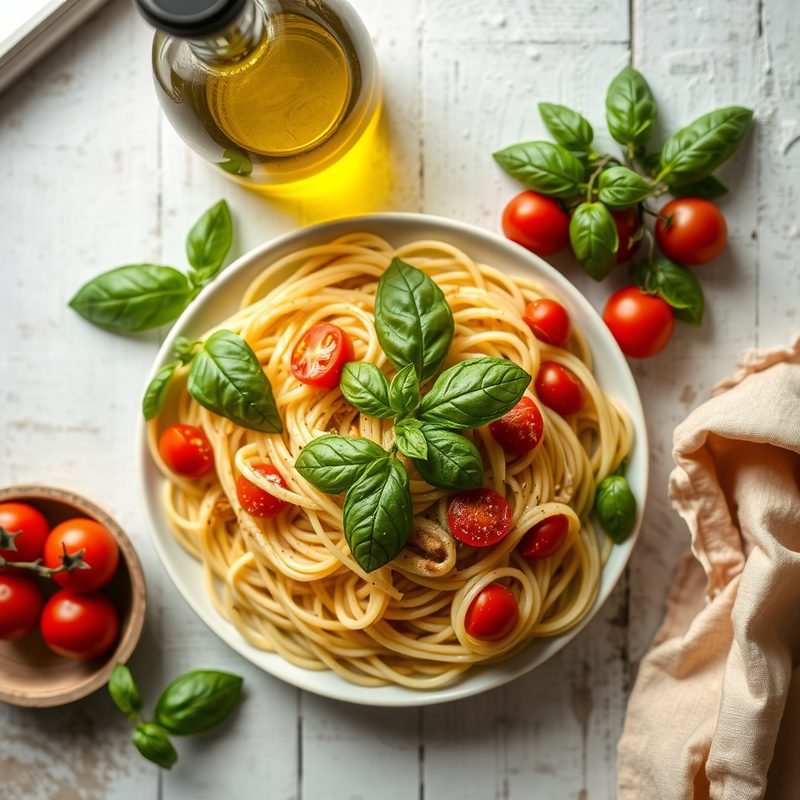
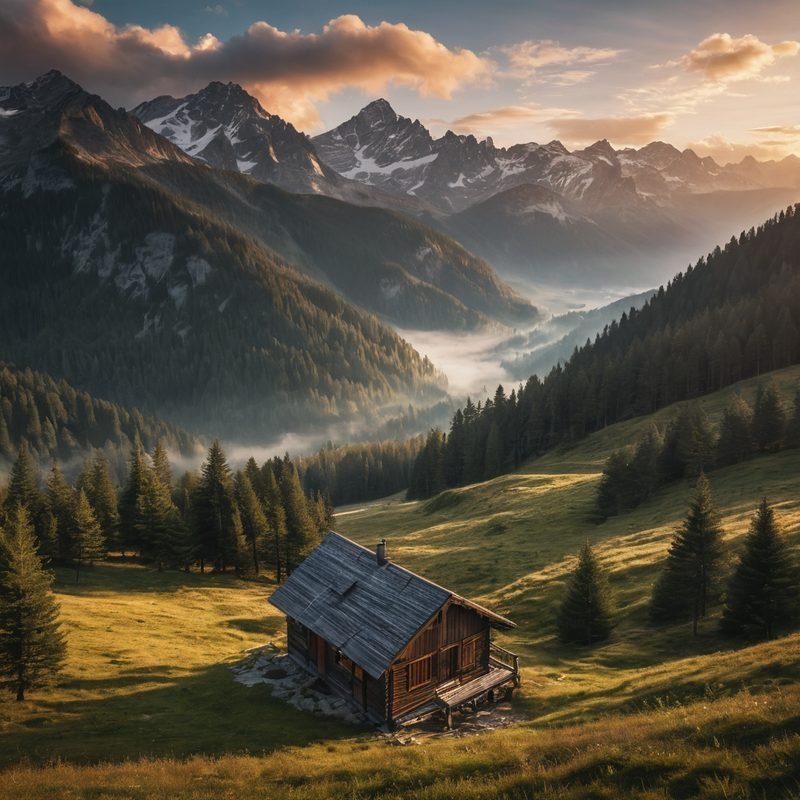
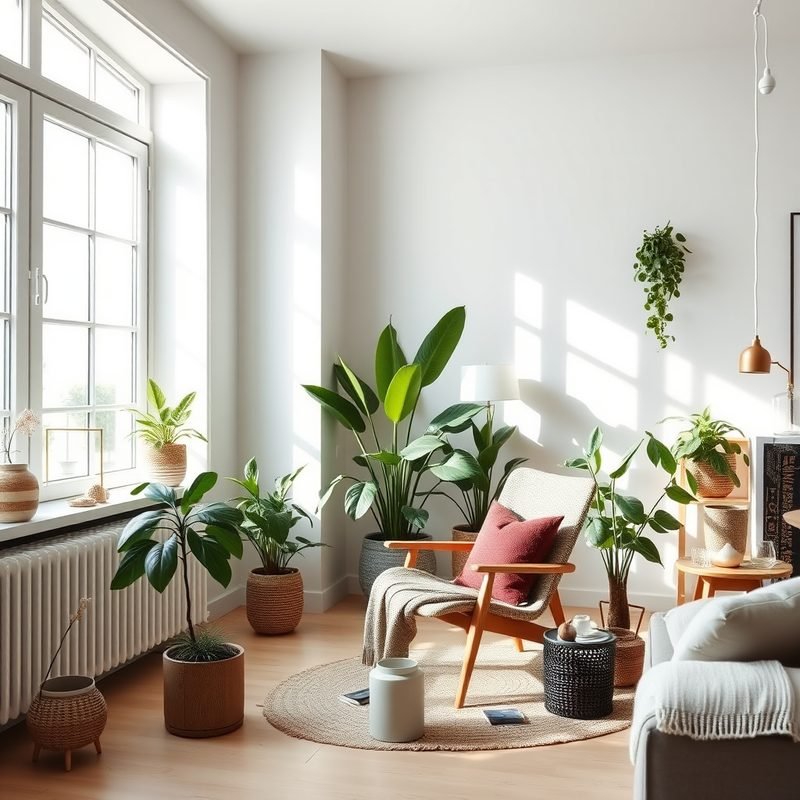
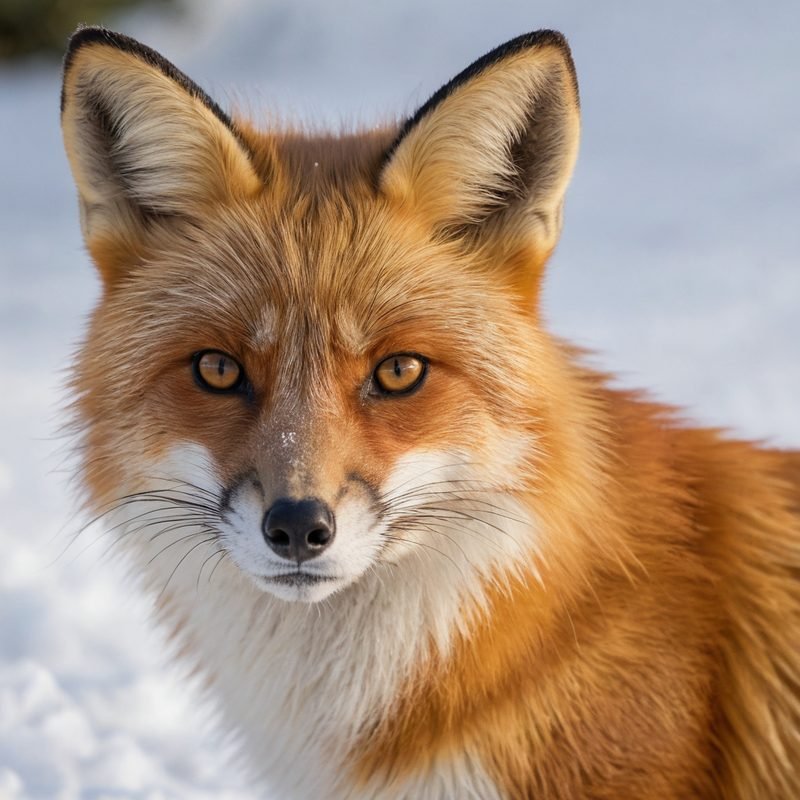
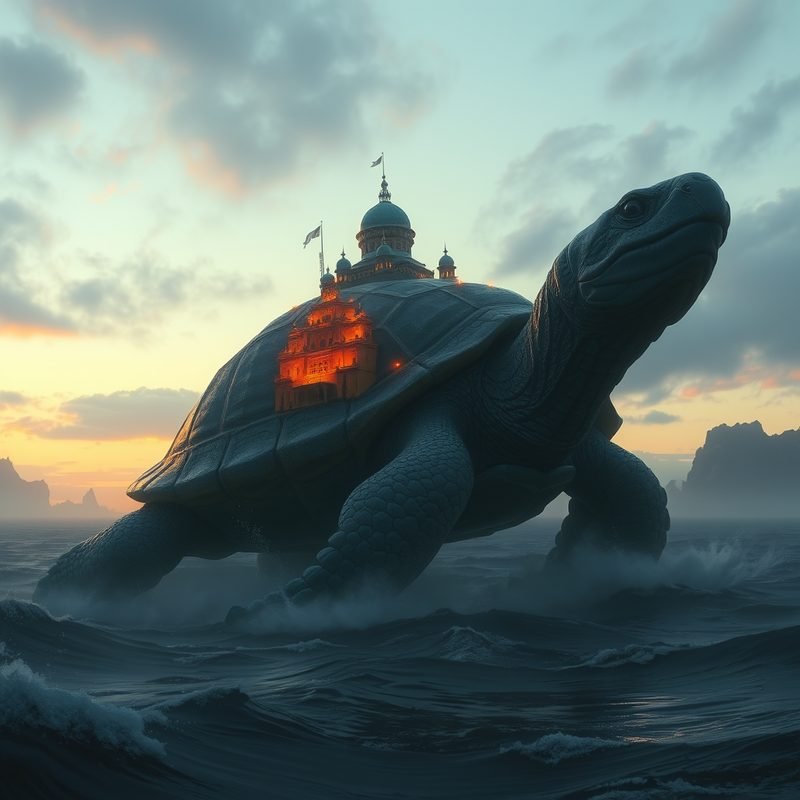
Same prompt, different model
Models have personalities. The two portraits below come from the identical fisherman prompt run through two different models. One leans warm and painterly with dramatic backlight; the other is closer to a straight documentary photograph. Neither is wrong. If a result is close but not quite your taste, switching the model is often faster than rewriting the prompt.
Five mistakes that ruin good images
- Asking for readable text. Signs, labels and logos still come out as convincing-looking nonsense on most image models. Generate the image without text, then add your words in an editor or as an overlay. While making this guide, every prompt that implied a sign or a product label produced invented lettering, and we threw those images away.
- Hands doing something complicated. Hands holding phones, tools or each other are the most common failure. Frame hands out of the shot, or keep them relaxed, and check them closely before you use the image.
- Stacking contradictory styles. "Photorealistic anime oil painting" makes the model average the styles into mush. Pick one medium per image.
- Too many subjects. Each extra person or object competes for detail. If two things matter, make two images and combine them.
- Accepting the first result. Generate three or four variations of a strong prompt and pick the best. Small seed changes produce surprisingly different compositions.
From a still image to a video or an ad
A good still is often the start rather than the end. In the same studio you can restyle a photo into anime, an oil painting or a 3D character, animate an image with the AI video generator (see text-to-video vs image-to-video for which to use), or follow a step-by-step recipe such as the product hero image. If you need the same character across several shots, read our guide to keeping an AI character consistent, or try Micro Drama for short stories.
Frequently asked questions
Is it really free?
Yes. Zappy gives you free credits every day with no credit card. Paid plans and top-ups exist for heavier use, and the pricing page lists them.
Can I use the images commercially?
You own what you make. Commercial use, such as ads or client work, is included with paid plans, as set out in our terms and on the pricing page. Avoid prompts that copy a real person, a brand or a copyrighted character.
Why do my images have strange text in them?
The model is drawing letter-shaped textures, not writing. Remove signs and labels from the prompt and add text afterwards.